
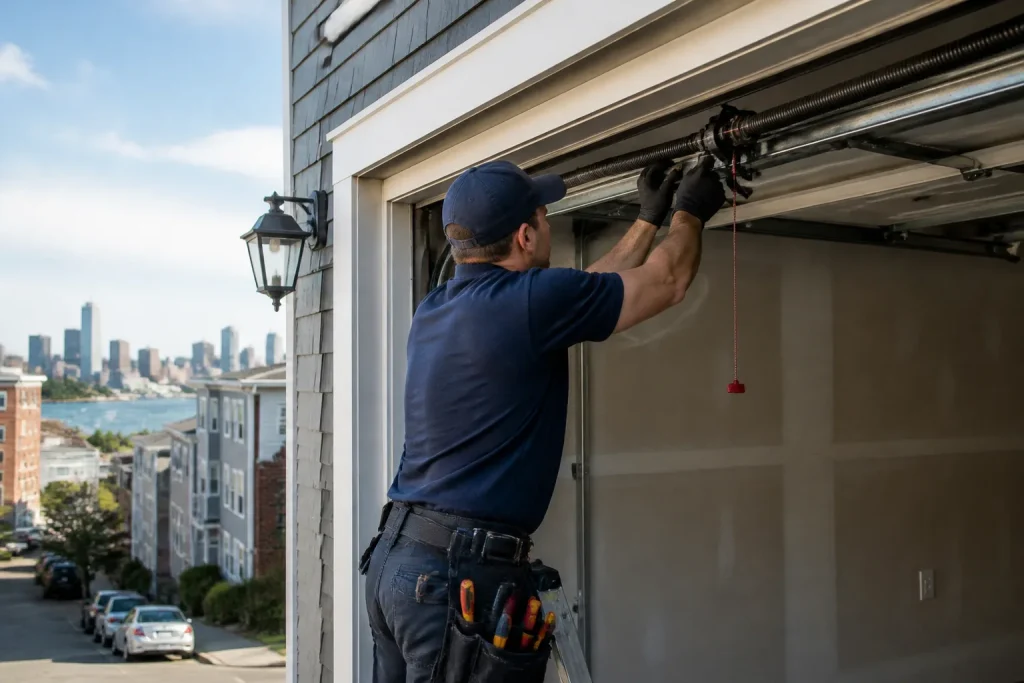
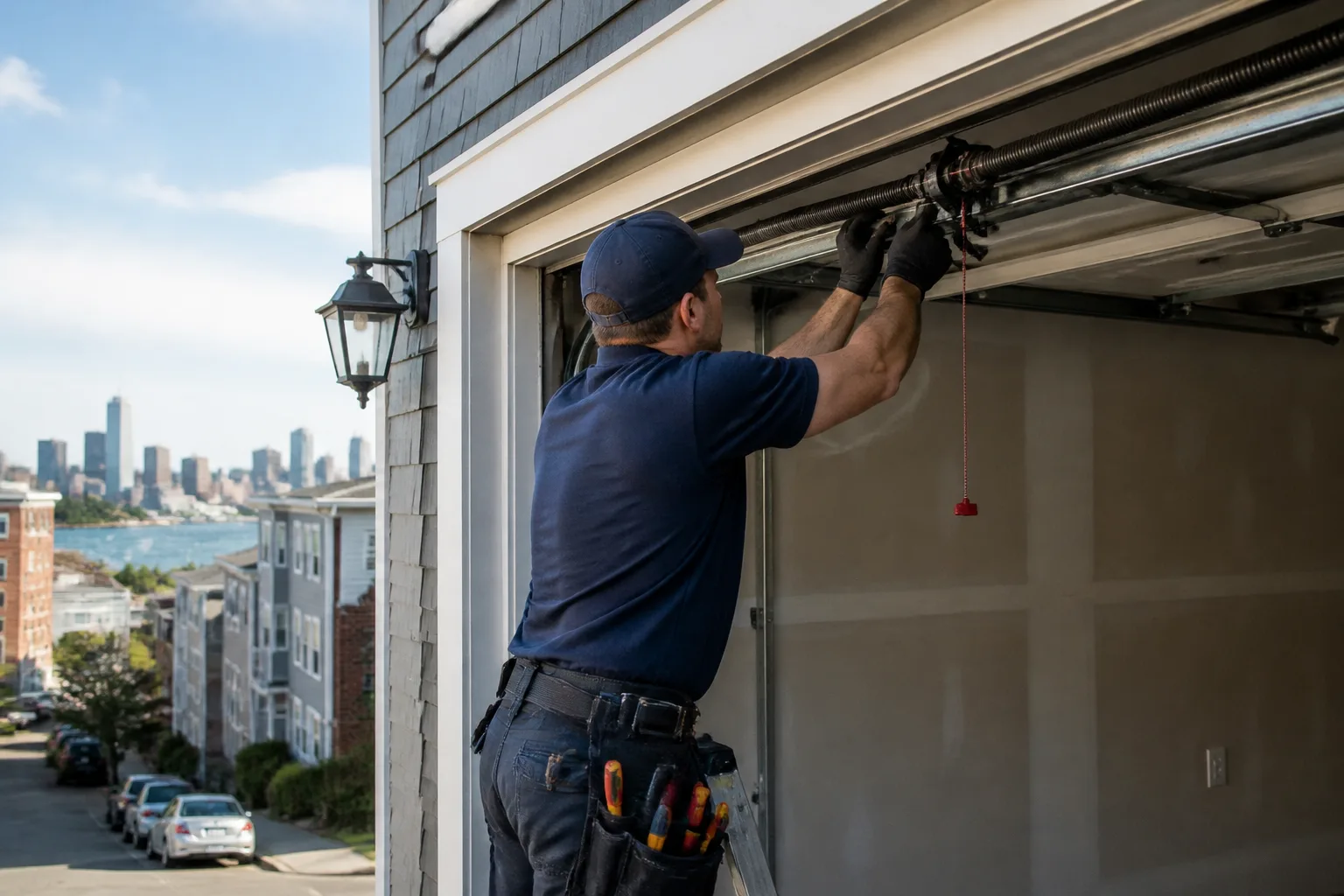
Chamberlain Garage Door Repair in South Boston: A Homeowner’s Guide
If your Chamberlain opener blinks 10 times and won’t move, it isn’t broken. It’s telling you something specific, and most generalist technicians will misread that signal as a dead motor. Chamberlain openers are packed with diagnostics, built-in safety logic, and smart-home features, which is exactly why they get misdiagnosed so often. In our experience, a large share of “the motor is going out” calls in South Boston turn out to be a sensor, a logic board, or a myQ conflict that a brand-fluent technician can sort out quickly. If you’d rather not chase blink codes yourself, call (844) 662-2561 and we’ll take a look.
Key Takeaways
- Chamberlain’s blinking LED is a fault code, not a failure announcement.
- myQ “hardware” problems are frequently Wi-Fi or firmware issues.
- Belt, chain, and wall-mount drives fail differently and need different repairs.
- Some Chamberlain parts are proprietary; the wrong logic board can leave the unit working badly or not at all.
- We know your brand, so diagnosis starts with the system you actually own.
What Do the Chamberlain Blink Codes Actually Mean?
The LED on your Chamberlain opener blinks a set number of times, pauses, then repeats. That count is a diagnostic code pointing to a specific circuit or sensor. Reading it correctly is the fastest way to the real problem. Here’s the plain-English version of the most common ones:
- 1 blink: Often a wiring or connection issue to the safety sensors or wall control. The opener is looking for a signal it isn’t getting.
- 2 blinks: Frequently tied to the safety reversing sensors being blocked, misaligned, or wired backward.
- 3 or 4 blinks: Usually points toward the safety sensor circuit or a limit/travel problem. The door may be hitting resistance the unit isn’t expecting.
- 5 blinks: Commonly a travel or limit switch issue, where the opener can’t confirm where the door is.
- 10 blinks: Often a logic board or safety sensor communication fault. This is the one most often confused with a dead motor.
Two things trip people up. First, the count resets and repeats, so you have to watch the full cycle. Second, the same blink pattern can come from a loose wire at the sensor, a sun-glare problem on the sensor lens, or an actual board fault. In South Boston, where garages are often tight and sensors sit close to door tracks, a small knock to the bracket is enough to throw alignment off. A technician who reads Chamberlain codes every week can narrow that down instead of replacing parts on a guess.
Why Does myQ Keep Disconnecting When the Door Works Fine?
myQ connectivity failures look like hardware problems but rarely are. The door opens and closes with the wall button, the remotes work, and yet the app shows “offline” or won’t control the door. That pattern almost always points to firmware, Wi-Fi, or a network conflict rather than a failed opener. Common culprits we see:
- Weak or dropped Wi-Fi: The opener sits in a garage, which is often the worst spot in the house for signal. A router on the far side of the home can leave the unit barely connected.
- Firmware that needs updating: myQ relies on the opener’s firmware talking to the Chamberlain servers. Older firmware can lose that handshake after a router change.
- Network changes: A new router, a changed password, or a mesh system reassigning bands can knock the opener offline until it’s re-paired.
- App account conflicts: Multiple users, old devices, or a stale login can produce errors that look like the opener is unresponsive.
Before anyone replaces a logic board, the smart move is to confirm the opener itself is healthy and then work the network side. That’s part of proper garage door opener repair, and it’s where brand familiarity pays off. We’ve watched plenty of myQ “failures” resolve once the firmware was current and the Wi-Fi actually reached the garage. A South Boston garage that shares a wall with a brick building is a good example: the signal has to fight its way in.
Belt, Chain, and Wall-Mount: Why the Repair Differs
Chamberlain builds its openers around three drive types, and the repair approach changes with each. Knowing which one you own tells you a lot about what’s likely to fail and how it gets fixed.
Belt drive units are quiet and popular where a bedroom sits above the garage. The belt itself wears over time and can stretch or fray. When it does, the opener may run but the door barely moves, or it may sound strained. Belt replacement is a defined job, and the tension has to be set correctly or the door will be noisy and jerky.
Chain drive units are the workhorses, louder but tough. Chain problems often show as grinding, a slack chain, or a door that stops partway. The repair is usually about the chain, sprocket, or the travel settings rather than the motor.
Wall-mount (jackshaft) openers sit beside the door and turn the torsion bar instead of pulling a rail. They’re common where there’s no ceiling room. Repair here is different again: the unit works against a torsion system, so the springs and the opener have to be evaluated together. That’s specialist territory.
For a home in South Boston with a low-clearance or tight garage, the drive type isn’t a small detail. It decides what tools and parts the job needs, and it’s one reason the right part on the first visit matters. A generic fix aimed at the wrong drive type wastes everyone’s afternoon.
Chamberlain-Proprietary Parts vs. Universal Parts
Not every part in a Chamberlain opener can be swapped for a generic equivalent. Some are designed to work as a matched system, and substituting the wrong one can leave the unit “working” while behaving unpredictably. Here’s how we think about it:
- Logic boards and control boards are the big one. A board built for a different model or platform may not match the firmware, the safety logic, or the myQ radio, so the opener could run but fail to reverse, lose its travel limits, or drop its smart features. A logic board substitution that “works” for a day is not a repair.
- Safety sensors and wall controls are often proprietary to the platform. The wrong sensor can communicate incorrectly and leave you chasing codes.
- Gears, belts, and chains are more forgiving, and some are broadly compatible, but the fit and tension still matter.
- Remotes and keypads vary by frequency and generation. A remote from the wrong era simply won’t talk to the unit.
This is the “built for your door, not a generic fix” part of the job. Getting the right board means matching the model, not grabbing the closest one on a shelf. Because we keep parts on hand for common components, we can often finish the repair on the first visit rather than waiting on a third-party supplier. Springs are a separate matter entirely: they’re under extreme tension and always a specialist job, so we treat spring work as a standard offering, never a referral.
Repair It or Replace It? Reading the Model’s Age
Chamberlain openers are well built, but every model has a support lifecycle. Parts for older units get harder to source, and boards for discontinued models can be tricky or unavailable. So the real question isn’t “is it old?” but “can we still get the right part, and does repairing it make sense?”
A few signs it may be time to plan for garage door installation of a new opener or door system rather than another repair:
- The unit is a discontinued model and the failed part is proprietary or hard to source.
- The same board-level fault keeps returning after a proper repair.
- The opener is noisy, strains, or can’t reliably reverse, and the door itself may also be ready for attention.
- You want current smart features and the existing unit doesn’t support them.
On a newer Chamberlain with a clear fault, repair almost always wins. On an older unit where the board is the problem and parts are scarce, it’s worth an honest conversation before spending on a fix that can’t last. Either way, the decision starts with the model number and a proper diagnosis, not a guess from the driveway.
When to Call a Pro in South Boston
Some Chamberlain issues are homeowner-friendly: re-pairing a remote, updating firmware, clearing an object from a sensor’s path, or re-seating a wall control. Others carry real risk. Anything involving the opener’s high-voltage wiring, a suspected board fault, or the springs and torsion system should go to a trained technician. Springs and cables are under extreme tension and can cause serious injury if handled without the right tools and knowledge, so we’d steer you away from DIY on those every time.
Call a professional when:
- The door won’t reverse reliably or the safety sensors won’t stay aligned.
- You see repeated blink codes that point to the logic board.
- The opener runs but the door doesn’t move, or moves unevenly.
- You hear grinding, snapping, or a loud bang from the spring area.
- myQ problems keep returning after you’ve re-paired and updated.
If you’d rather have it looked at properly, that’s what we do. We know your brand, and our technicians have up to 10 years of experience reading these systems, from opener to panel to spring.
Related services in South Boston: garage door repair for panels, tracks, and hardware, and Garage Door Repair South Boston for the full picture of what we handle.
The Bottom Line
Most Chamberlain problems aren’t motor failures. They’re blink codes, sensor alignment, myQ network faults, or the wrong part for the model. Read the code first, check the network second, and only then talk about a logic board. If the unit is a discontinued model with a scarce proprietary part, that’s the moment to think about replacement rather than another patch.
In our experience across South Boston, brand-fluent diagnosis saves the most time and the most money. We’re factory-familiar with Chamberlain and its sister platforms, along with LiftMaster, Genie, Clopay, Amarr, Wayne Dalton, Craftsman, and Raynor, so we’re working from the system you actually own. Chamberlain doors often pair with Clopay or Amarr panels, and knowing how those parts interact matters when the whole system has to work together.
If you’re in South Boston and need help, Garage Door Repair South Boston offers free estimates – call (844) 662-2561. We answer 24/7, and fast dispatch from 7am to 7pm, Sunday through Friday. The price is quoted and agreed before any work starts, so you know the number going in.
Frequently Asked Questions
Probably not. Ten blinks usually points to a logic board or safety sensor communication fault, not a failed motor. It’s a fault code, and a technician who reads Chamberlain codes regularly can confirm the true cause before anything gets replaced. Call (844) 662-2561 for an exact answer; estimates are free.
Because the opener is usually healthy and the network side is the problem. Weak Wi-Fi in the garage, outdated firmware, a router change, or an account conflict can all knock myQ offline while the door keeps working. Updating firmware and re-pairing fixes it more often than replacing hardware. If it keeps dropping, call (844) 662-2561 and we’ll sort it out.
Not safely in most cases. Chamberlain boards are matched to the model’s firmware, safety logic, and smart features, so a substitute can leave the opener running but not reversing correctly or not talking to myQ. Matching the actual model is the only way to keep it working properly. Call (844) 662-2561 to check which part your unit needs.
We set the price per job with a written estimate before any work begins, so the number is agreed up front and doesn’t change once we’re on site. The estimate itself is free. Call (844) 662-2561 for an exact quote.
Usually when the failed part is proprietary, the model is discontinued, and the part can’t be sourced reliably, or when the same board fault keeps returning. On a newer unit with a clear fault, repair is almost always the right call. Call (844) 662-2561 and we’ll tell you honestly which side of that line your unit is on.
Written by the team at Garage Door Repair South Boston.
Need Garage Door Help?
Call Garage Door Repair South Boston - the local pro we connect you with is licensed and insured, here with fast help in South Boston.
(844) 662-2561